A.GPT Image 2
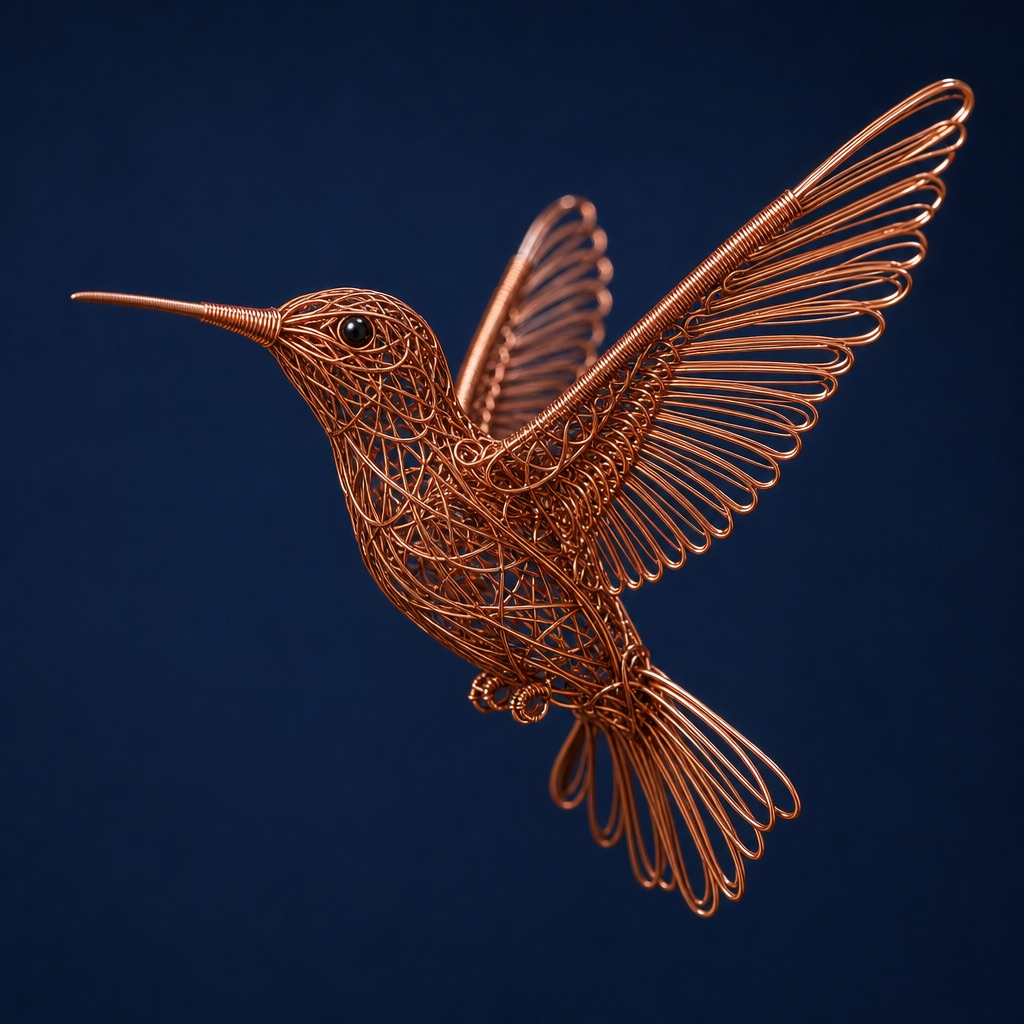 output.png1024×1024
Kiln runs one prompt across every image model — or many phrasings against one — then lays the results side by side, so you keep only what survives the firing.
output.png1024×1024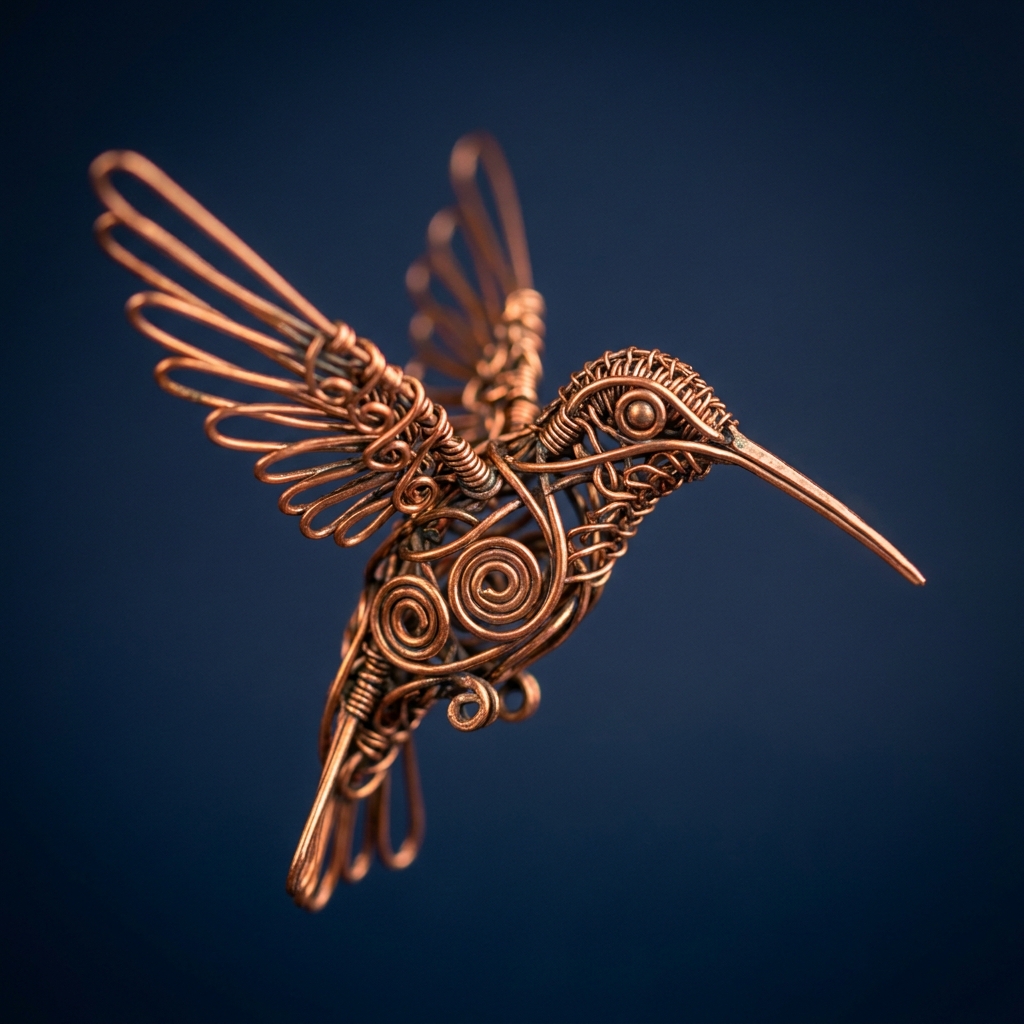 output.png1024×1024
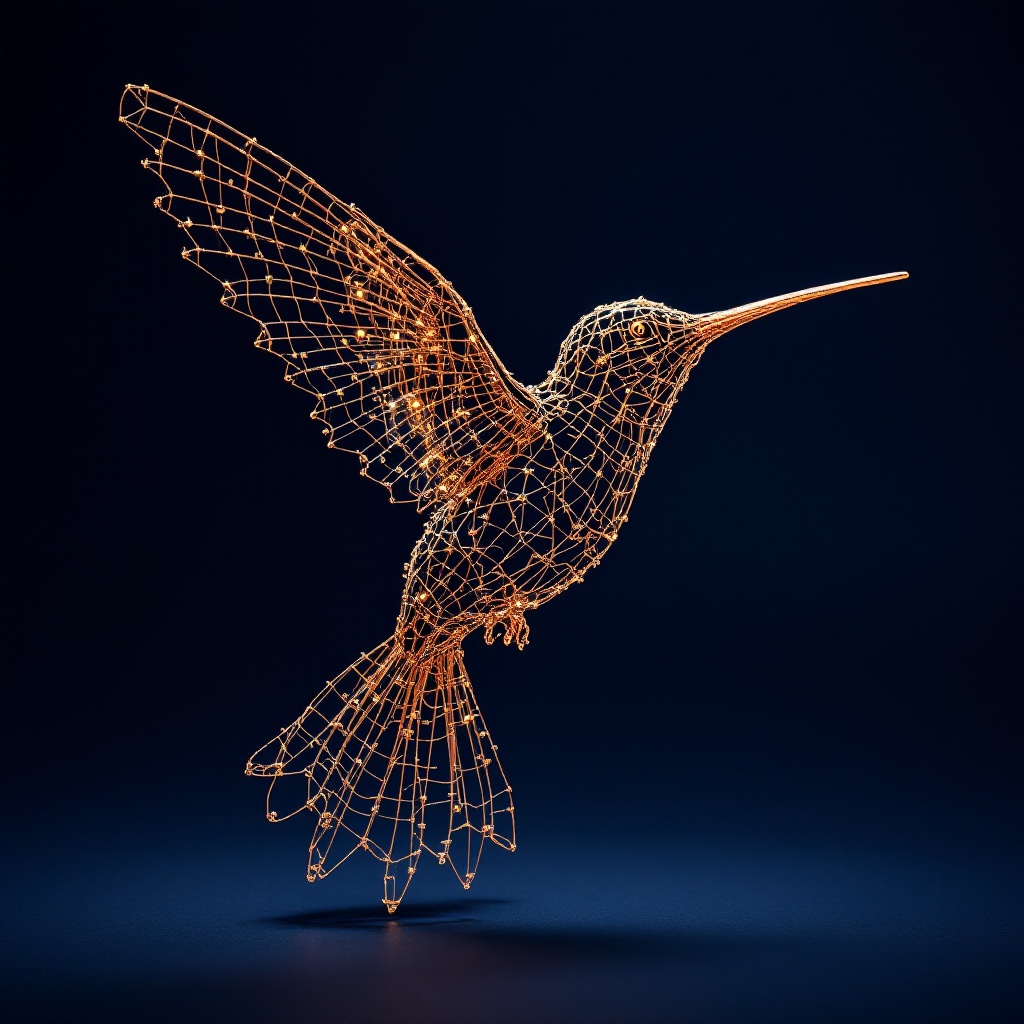 output.png1024×1024
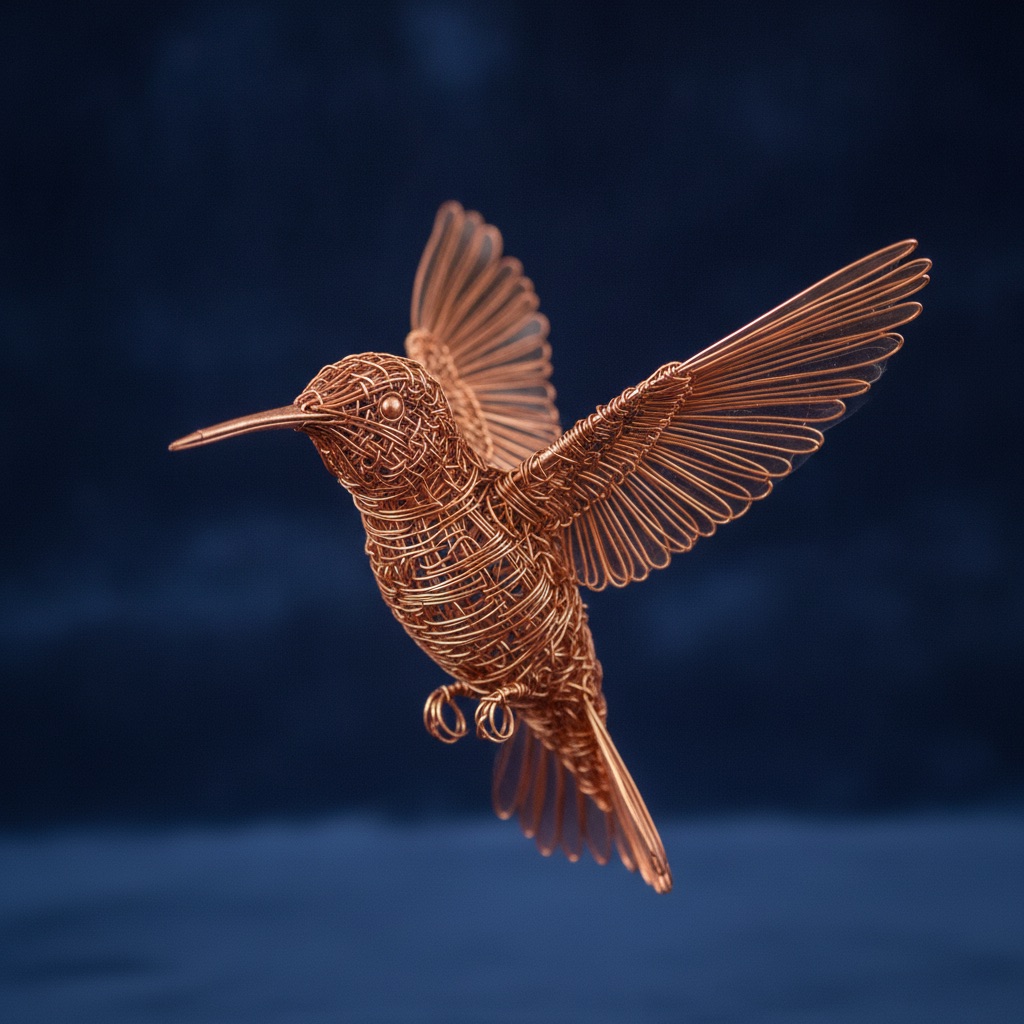 output.png1024×1024
One prompt, four models, side by side — in the time it takes to read this sentence twice.
Most tools generate one image at a time. Kiln holds everything constant and changes exactly one thing — so a comparison actually means something. Two ways to do it.
Send a single prompt to every model at once. Same words, same aspect ratio, every provider in parallel. The only thing that changes is the model — so the grid shows you exactly how each one reads you.
Pin one model and pit phrasings against each other. Four ways to describe the same idea, one model held constant, a fair test every time. Find the wording that actually lands.
Your OpenAI, Google and Fal keys, stored in the macOS Keychain. Kiln calls each provider directly — there's no middle-man server.
Runs and outputs live on your disk. No account, no cloud, no telemetry — your prompts and images never leave your Mac except to reach the model.
Drag an image in, or paste with ⌘V. Kiln routes it to every model that accepts references, so img2img comparisons run side by side too.
Every model shows its estimated price per image before you run, and each card reports what it actually charged after. Know what a firing costs.
Click any result to fill the screen, then step through the grid full-size. Spot the difference your thumbnails were hiding.
Kiln files each firing automatically — prompt, settings, outputs and cost. Scroll back through your history and re-open any run exactly as it was.
No seats, no subscription, no usage meter skimming your runs. You pay the providers directly for generation; you pay Kiln exactly once for the workbench.
Fire the same idea at every model and let the grid settle the argument. Pre-order Kiln at the founder price and run your first comparison the day it ships.